

- Filter, sort, aggregate, and pivot
- Lookups across separate files
- One billion rows per file as standard
- CSV, JSON, ZIP, TAR, and more
- Export any subset to CSV
Product
MRF Viewer
Open JSON or CSV at a billion rows and beyond. Flattened, searchable, and ready to export in seconds.
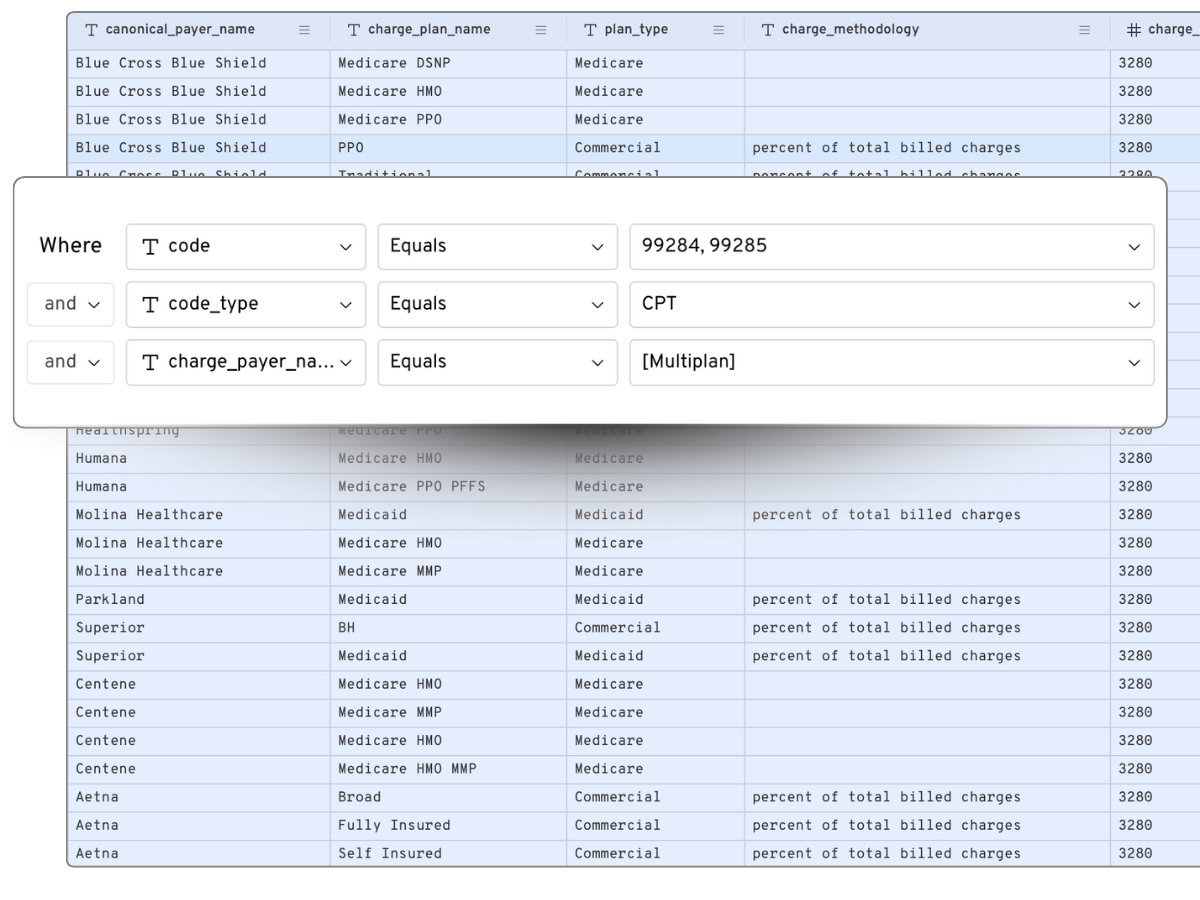
Explore Files Too Large for Traditional Tools
Hospital price transparency files are often deeply nested, inconsistently structured, and too large for conventional tools. MRF Viewer transforms JSON and CSV files into a searchable, spreadsheet-like table in your browser.
Explore millions or billions of rows, search across fields, filter to the rates you need, and export only the relevant results. No local storage, ETL, or code required.
Explore millions or billions of rows, search across fields, filter to the rates you need, and export only the relevant results. No local storage, ETL, or code required.
A Spreadsheet for MRFs
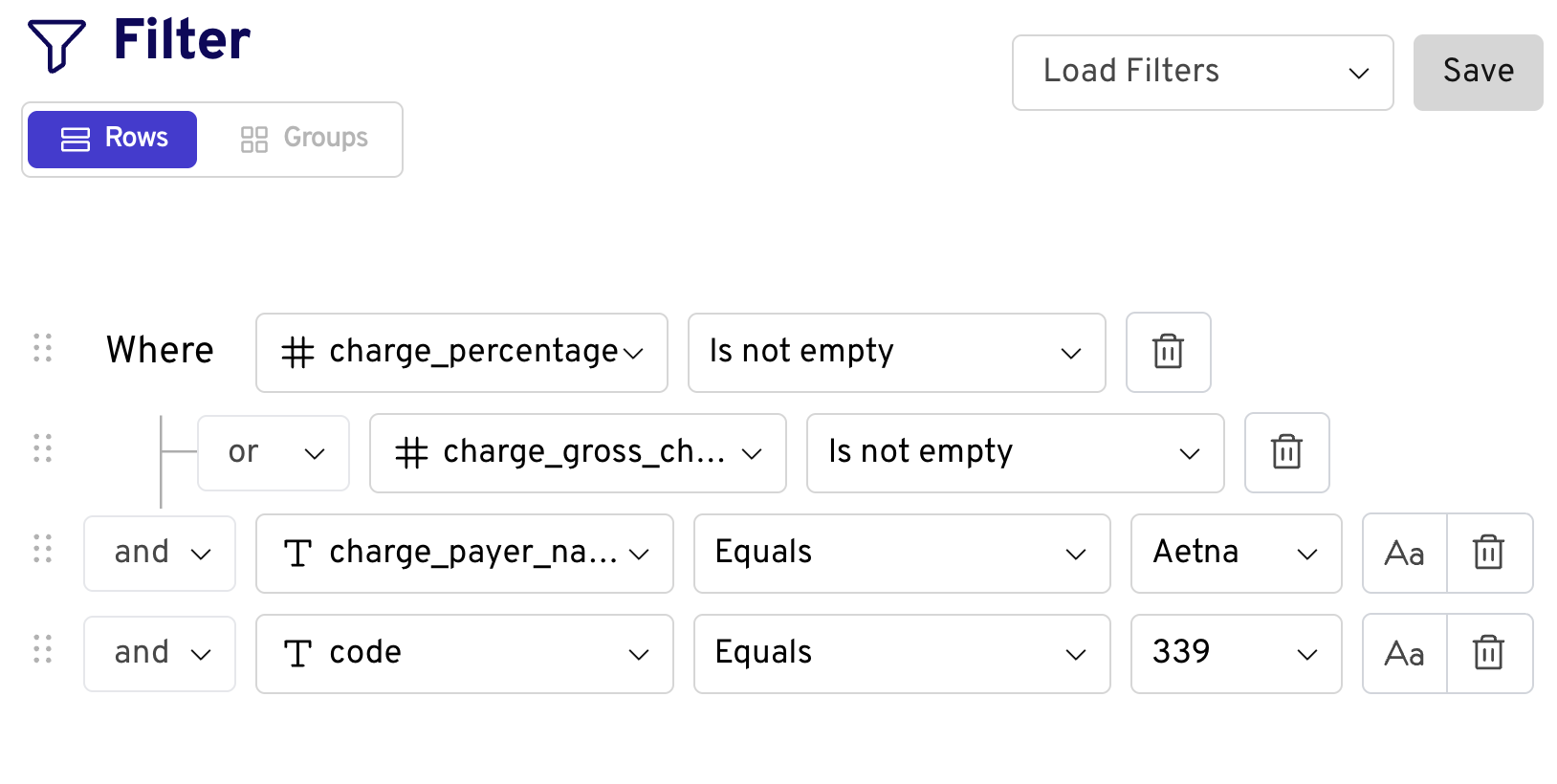
Working with payer TiC files?
MRF Viewer can open payer Transparency in Coverage files for limited, targeted exploration, such as inspecting a specific rate, provider, billing code, or file structure.
Payer MRFs separate provider references and negotiated rates into different structures. The data is not automatically joined, cleaned, or enriched, so analysis typically requires substantial manual crosswalking and preparation. We generally do not recommend MRF Viewer for payer analysis at scale.
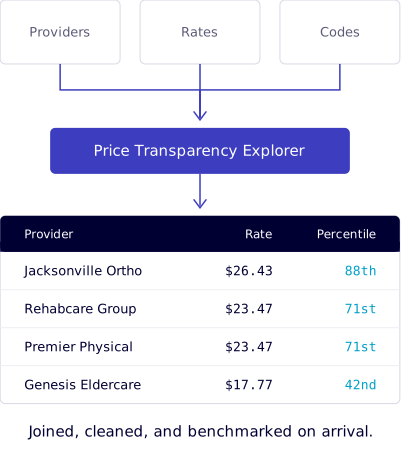
For payer data analysis, use Price Transparency Explorer. It delivers analysis-ready payer data nationwide.
MRF Viewer FAQs
What is a machine-readable file (MRF)?
A machine-readable file is the standardized data file hospitals and health plans publish under US price transparency rules. Hospital files list standard charges and payer-specific negotiated rates. Payer Transparency in Coverage files list in-network negotiated rates and out-of-network allowed amounts. They are published as JSON or CSV and often run to gigabytes.
How do I open a machine-readable file that is too large for Excel?
Open it in Gigasheet MRF Viewer. The file loads in the browser and is flattened into a searchable table, so there is no download, no local storage, and no ETL pipeline to build. One billion rows per file comes as standard and expands on request, well beyond the row limits of desktop spreadsheet software.
What file formats and sizes does MRF Viewer support?
MRF Viewer reads CSV, JSON, ZIP, TAR, and other common archive formats, with one billion rows per file as standard and more on request. Nested JSON structures are flattened automatically into rows and columns.
Can I use MRF Viewer for payer Transparency in Coverage files?
MRF Viewer can open payer Transparency in Coverage files for limited, targeted exploration, such as inspecting a specific rate, provider, billing code, or file structure. Payer MRFs separate provider references and negotiated rates into different structures, and the data is not automatically joined, cleaned, or enriched, so analysis typically requires substantial manual crosswalking. We generally do not recommend MRF Viewer for payer analysis at scale. For payer data analysis, use Price Transparency Explorer, which delivers analysis-ready payer data nationwide.
Learn about Price Transparency ExplorerWhat can I do with a file once it is open?
You can filter, sort, aggregate, and pivot across every row, run lookups across separate files, and export any filtered subset to CSV. The interface works like a spreadsheet, so no query language or code is required.
How is MRF Viewer different from Price Transparency Explorer?
MRF Viewer opens and explores individual price transparency files as published. Price Transparency Explorer delivers payer data that has already been joined, cleaned, enriched, and benchmarked across the national market, so analysis can begin immediately rather than starting with a data preparation project.
Learn about Price Transparency ExplorerHealthcare price intelligence

National Coverage
Scored & Benchmarked Rates
Expert Support
LOW $1,804
MEDIAN $6,537
HIGH $21,743


